
1. Importing a card
On your PC :
- Download your map/task from the platform
- Before importing your recommendation card into the usb key, extract the files from the latter.
Right click on your recommendation file then: extract here
A folder named taskdata should appear.

- Paste the taskdata folder on your flash drive. The folder must contain 1 taskdata file and at least 1 .bin file (one per parcel and/or product).
On your console:
- Insert the usb key in the console, no task should be active
- Click on the Geocontrol menu


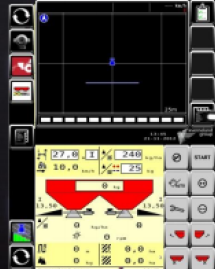
- Click on the folder icon


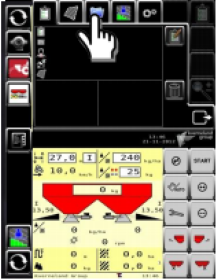
- Click on the import icon


- Validate import


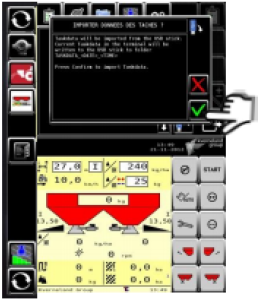
- Exit the Geocontrol menu


- Throw the stain in the plot


- Press the select icon


- Choose the spot corresponding to the plot


Note: When selecting the spot with rate modulation without plot contours, it is only possible to add a contour if a plot name is contained in the modulation file.

- Validate the stain


The task is now activated to perform the work on the plot.
2. Export from the console
- Once the stain is done, stop the stain.


- Click on the Geocontrol menu


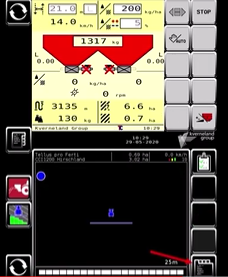
- Click on the export icon

- Select "export work data" then validate.
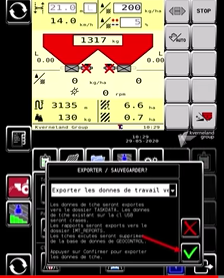
- The export is in progress. Once it's finished, return to the MyEasyFarm Platform MyEasyFarm import your task.







